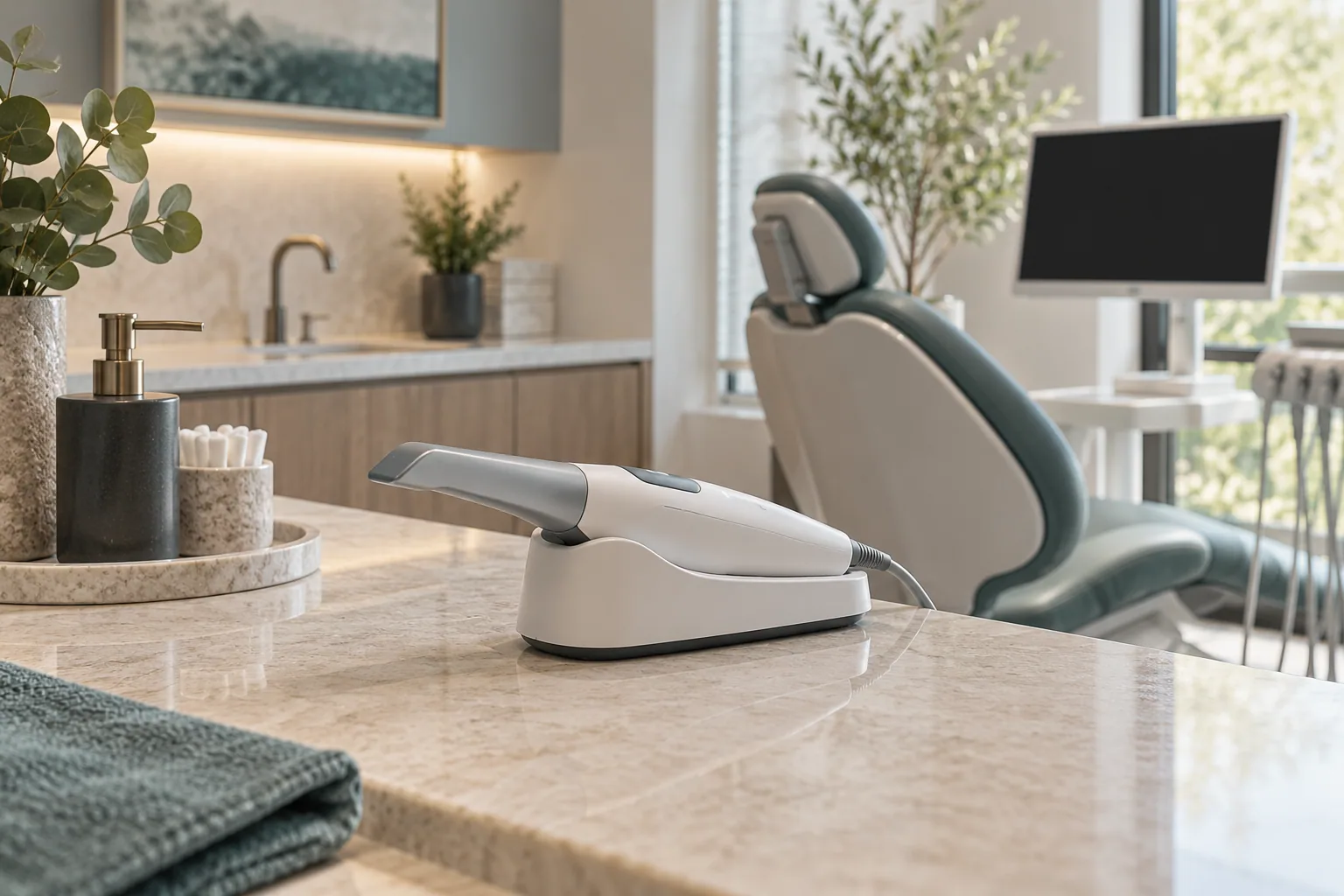



A digital retainer workflow connects several people: the clinician prescribing the appliance, the team capturing the record, the laboratory making it, and the person coordinating delivery. The file transfer may take moments, but an unclear handoff can still delay the case. The most useful workflow makes the next decision—and the person responsible for it—obvious.
Start with the prescription, not the upload
Before scanning, confirm which appliance and arch the clinician has prescribed and what records the receiving laboratory requires. Ask about accepted file formats, scanner connections, trim instructions, special features, and shipping arrangements. A routine retainer order and a more complex prescription may need different information. Do not assume a portal’s default selections describe the clinician’s intent.
- Confirm the patient and case identifiers in your approved system.
- Record the requested appliance, arch, and quantity.
- Check whether the laboratory needs additional records for this prescription.
- Assign one practice contact for clarification requests.

Review the scan before the patient leaves
Use the scanner’s review tools to examine the surfaces relevant to the prescription. Look for missing areas, duplicate surfaces, or material that obscures the tooth shape. Follow the scanner manufacturer’s capture instructions and the laboratory’s acceptance criteria. A quick review while the patient is present can avoid arranging a separate visit solely to correct a missing record.
Our retainer scan checklist turns that review into a repeatable handoff. It is an operational aid, not a substitute for scanner training or the clinician’s assessment.
Transfer a complete, identifiable case
| Handoff | Include | Confirm |
|---|---|---|
| Practice to laboratory | Approved records and complete prescription | The recipient can open the correct files. |
| Laboratory to practice | Questions about missing or unclear details | An authorized clinician resolves prescription decisions. |
| Production to dispatch | Appliance identity and shipping destination | The case matches the order. |
| Practice to patient | Clinician-approved appliance and instructions | The patient knows the wear and care plan. |
Use the practice’s approved transfer channel. Avoid putting patient information in ordinary support messages or screenshots when a secure case record is available. If you export files, verify the accepted format with the recipient; compatibility depends on the receiving workflow as well as the scanner.

Track the milestones that affect scheduling
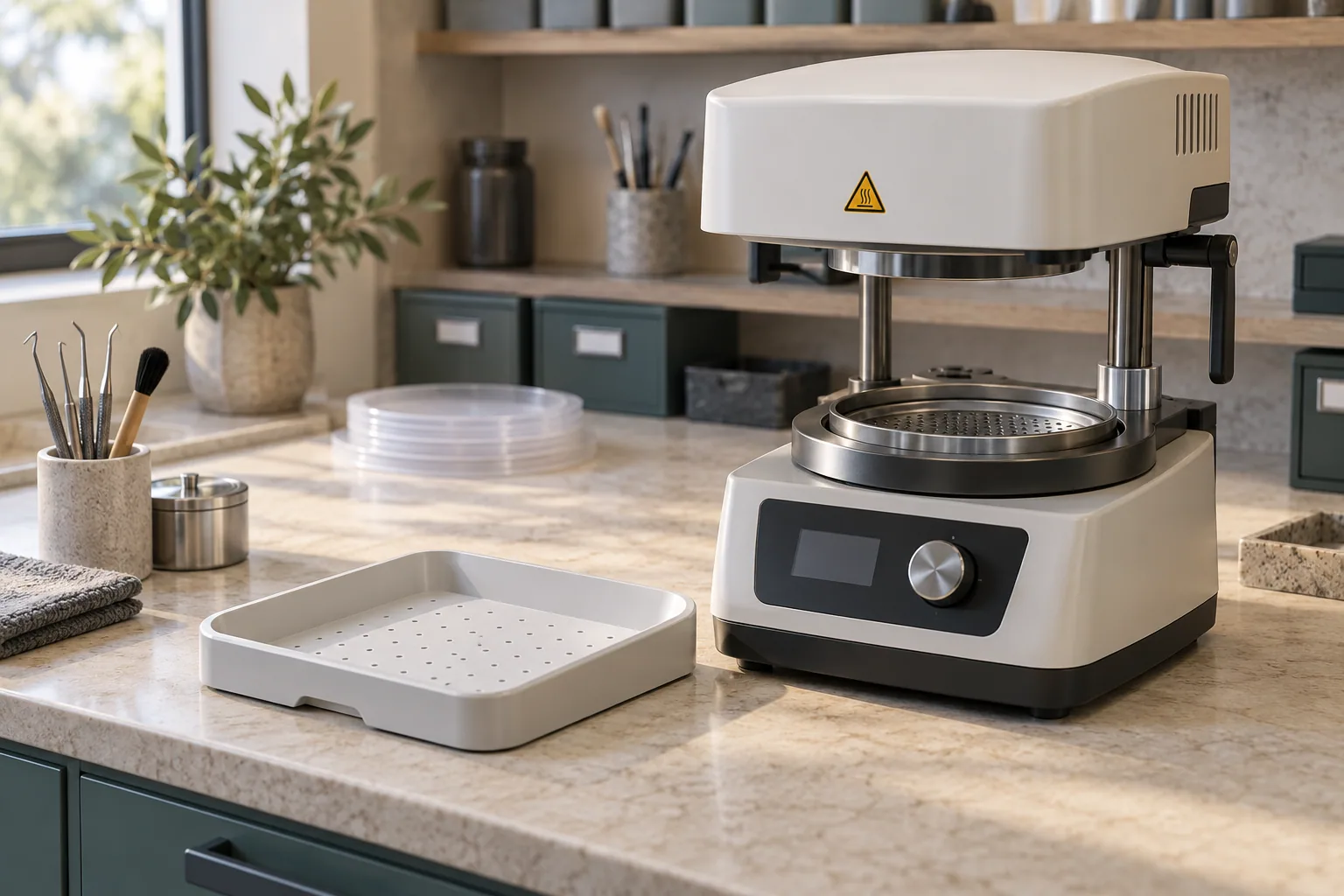
Separate “uploaded,” “accepted,” “in production,” and “shipped” in your internal checklist. They describe different events. Ask when the laboratory’s quoted production window starts and whether shipping time is included. Schedule the delivery appointment using the case’s actual status and the clinician’s plan, especially when an interim appliance is involved.
- At submission
Record the case identifier, submission date, and responsible contact.
- When a question arrives
Route it to the clinician or team member who can answer it; record the response in the case.
- At dispatch
Check the destination and tracking information, then update the patient communication plan.
- At delivery
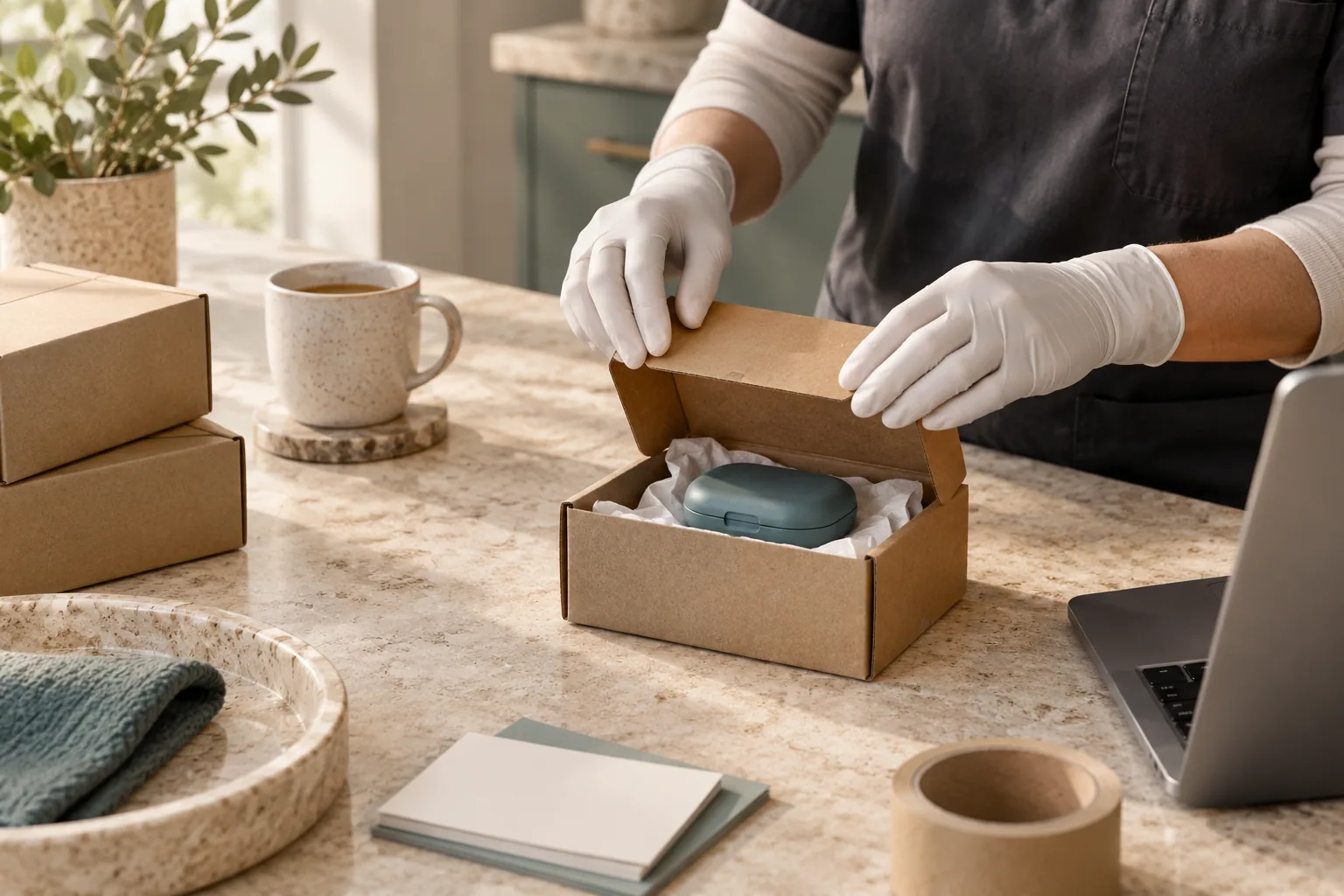
Check the package against the order and have the treating team assess the appliance before giving wear instructions.
Keep a record that makes the next order easier
Document the appliance supplied, the source record, and any adjustments or concerns identified at delivery. If the patient later needs a replacement, the clinician can decide whether that record remains suitable. An archived scan is useful information; it is not automatic approval to reproduce an appliance indefinitely. See replacement retainers from existing scans for the questions to ask.
To prepare a SuperbDent case, review our scanner connection options and Superb Retainer service, then confirm the requirements for your prescription with the team.
Sources & further reading
Prepared by SuperbDent Editorial. General education; your treating clinician determines your appliance and care plan.